Navigating the world of gaming can be tough when you are balancing a busy life, work, and family commitments. Many US gamers, around age 36, find themselves seeking relaxation and fun without breaking the bank. This guide on cheap PC builds is designed for you. It addresses common pain points like getting a solid gaming experience without spending a fortune, understanding hardware upgrades on a budget, and balancing your passion for gaming with real-world responsibilities. We dive deep into how to optimize performance, find value for money, and stay current with popular games and social trends like Discord and cross-play, all while ensuring your setup is reliable and enjoyable. Discover how a smart, affordable PC build can open doors to exciting gaming adventures, from social cozy games to competitive esports, without the usual hype, focusing purely on practical, problem-solving solutions for real gamers.
What Exactly Defines a Cheap PC Build in 2026?
In 2026, a cheap PC build generally refers to a system assembled for anywhere between 500 and 800 USD. This budget range allows for components capable of running most popular games at 1080p resolution with decent frame rates, often on medium to high settings. It is about maximizing value, not just minimizing cost, ensuring a smooth and enjoyable gaming experience without cutting corners on essential performance. This budget often involves smart compromises, like opting for last-generation graphics cards or slightly older, but still powerful, CPUs.
Can I Truly Play Modern Games on a Budget PC in 2026?
Absolutely, yes! While you might not be hitting 4K at 144Hz on every single new AAA release, a well-planned cheap PC build can handle a vast majority of modern games with surprising grace. Think popular titles like Fortnite, Apex Legends, Valorant, or even social hits like Palworld and Helldivers 2, all running smoothly at 1080p. Many modern games are also well-optimized for a range of hardware, and the rise of esports and free-to-play (F2P) titles means there are tons of options that thrive on budget-friendly setups.
What are the Absolute Essential Components for a Cheap Gaming PC?
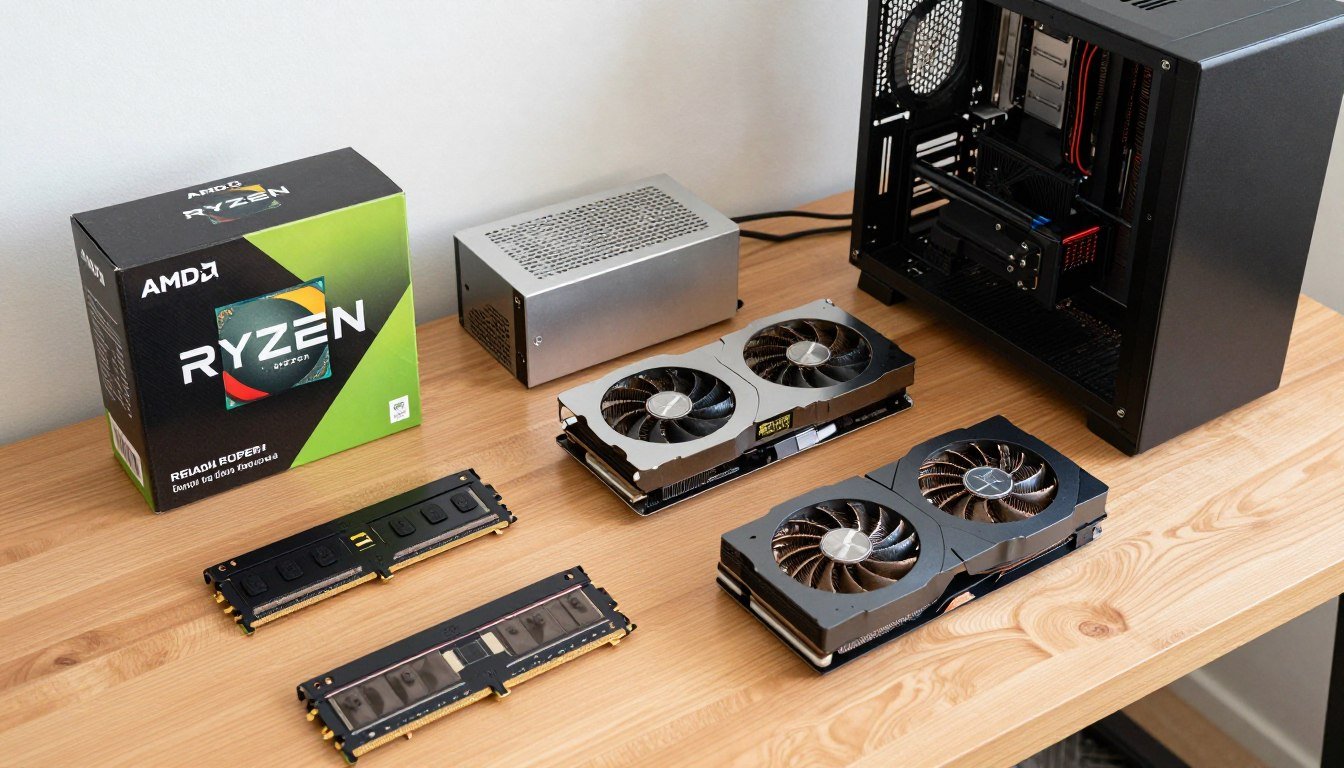
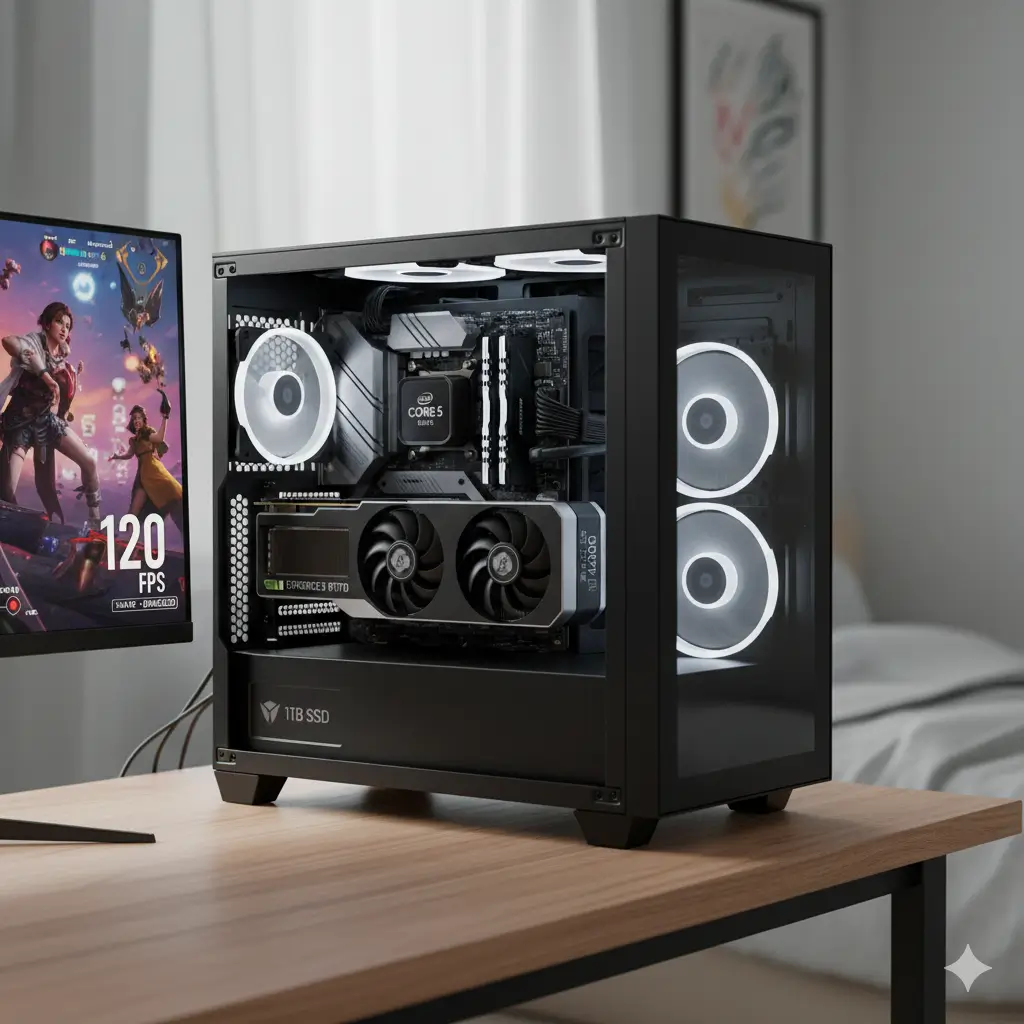
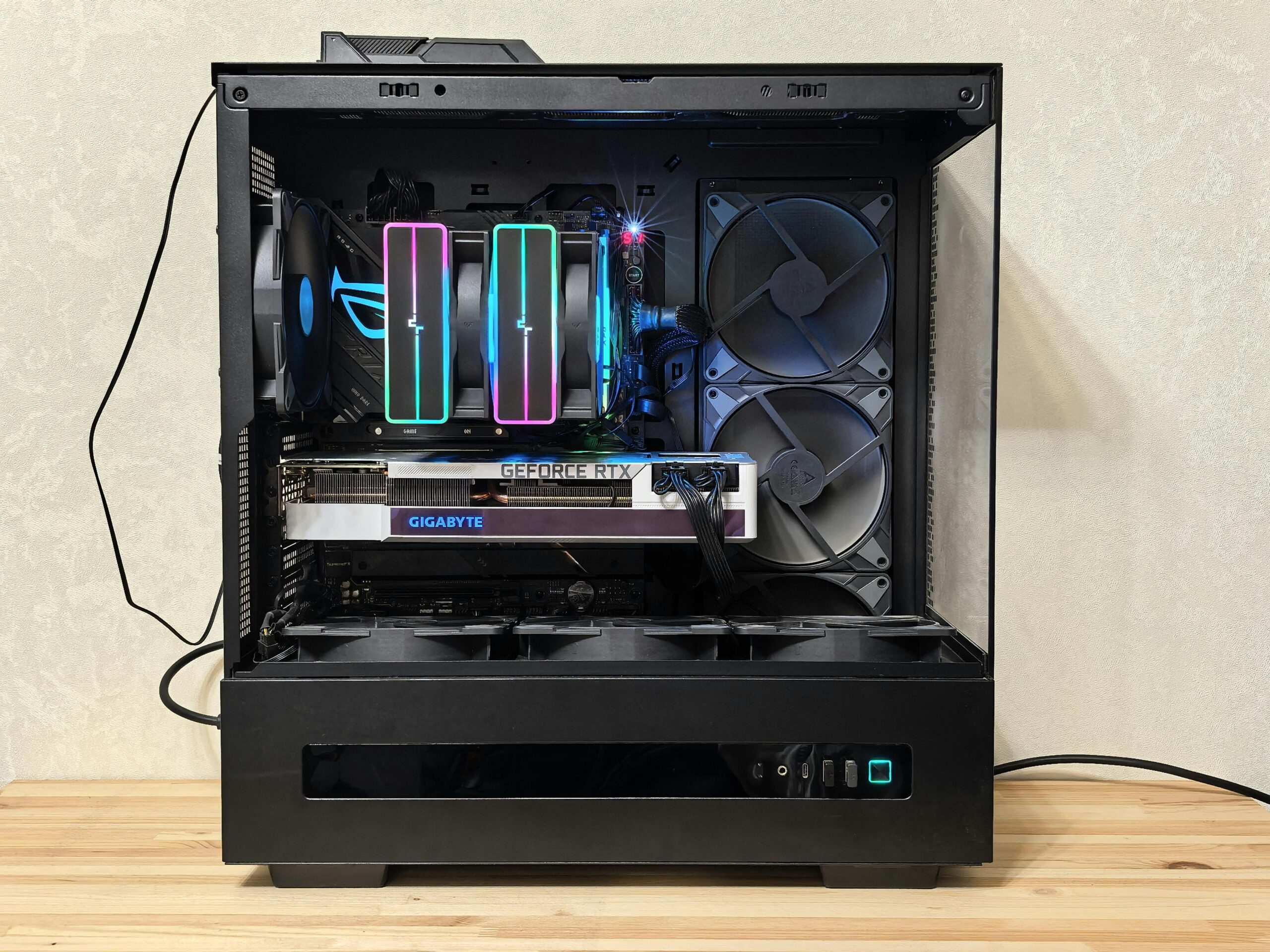
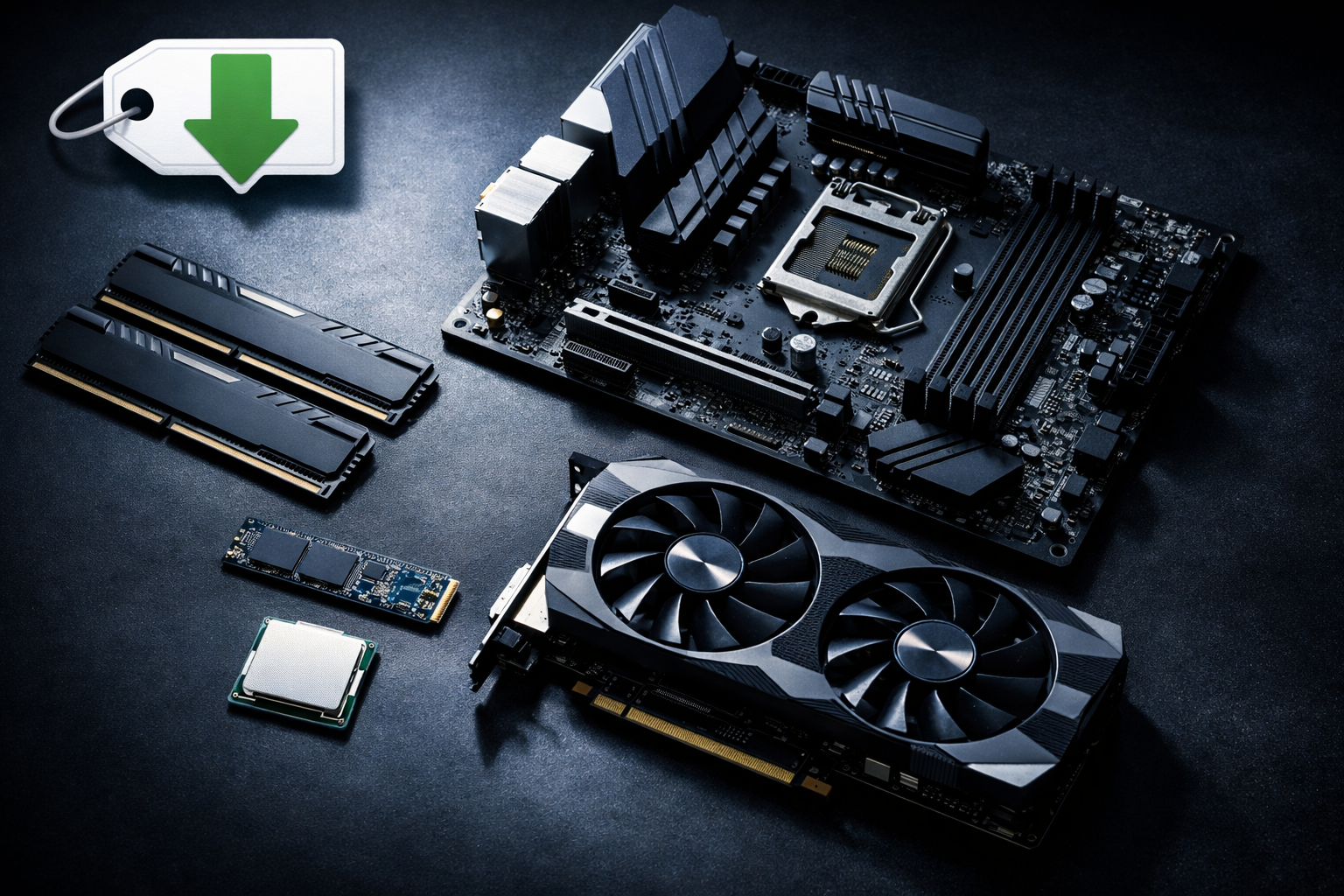
Building a solid cheap gaming PC requires a balanced set of core components: a mid-range CPU (Intel i3/i5 or AMD Ryzen 3/5), a capable GPU (NVIDIA RTX 3050/3060 or AMD RX 6600/6600 XT), 16GB of DDR4 RAM, a 500GB NVMe SSD for fast storage, a compatible motherboard, a reliable 550W-650W PSU, and a case with good airflow. Prioritizing the GPU and balancing other components ensures optimal gaming performance on a budget.
Where Can I Find the Best Deals on Budget PC Parts?
The best places to find deals include online retailers during sales events (Amazon, Newegg), used marketplaces like eBay and Reddit's r/hardwareswap for significant savings on components like GPUs, and refurbished deals from manufacturers. Planning your purchases around major holiday sales such as Black Friday or Prime Day can also yield substantial discounts. Local PC stores might also offer clearance items or used parts at competitive prices.
How Do I Actually Build a Cheap Gaming PC If I'm Not an Expert?
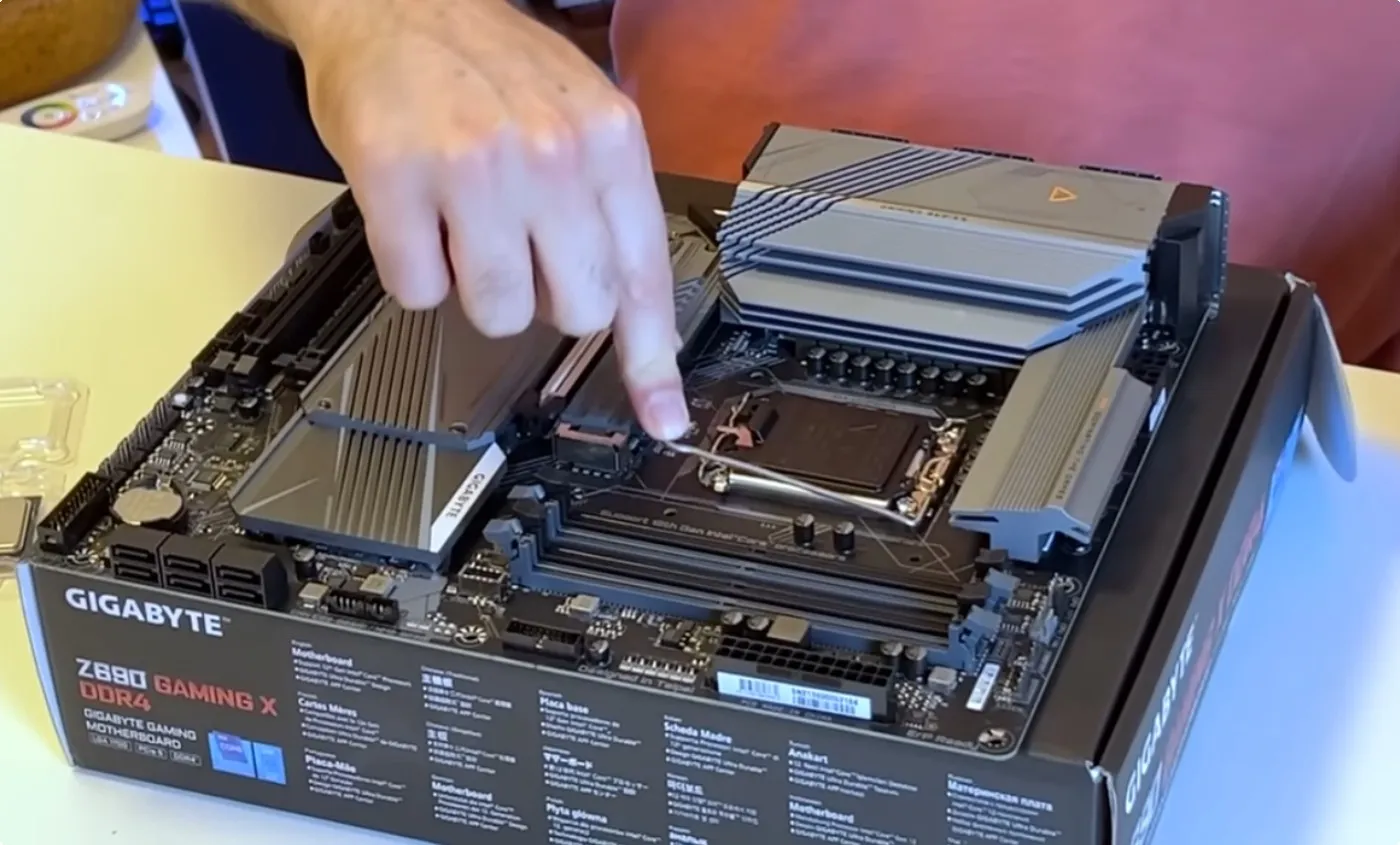
Building a cheap gaming PC is simpler than it seems, even for beginners. It involves systematically connecting components, guided by the instructions and numerous online video tutorials available on platforms like YouTube. Most parts are designed for straightforward installation, fitting in only one correct way. Patience, an anti-static wrist strap, and following a step-by-step guide will ensure a successful build. It is a rewarding and skill-building process that empowers you with tech knowledge.
What Games Are Perfect for a Budget Gaming Rig?
A budget gaming PC is perfect for a wide array of games, including popular esports titles like Valorant and CS2, social and cozy games like Palworld and Stardew Valley, and a vast library of free-to-play options such as Warframe and Destiny 2. Many well-optimized AAA games (e.g., Doom Eternal, Cyberpunk 2077 with FSR/DLSS) and older classics also run beautifully. The focus is on enjoyable experiences without demanding ultra-high settings or resolutions.
How Can I Optimize My Cheap PC Build for the Best Performance?
To optimize your cheap PC, always keep your GPU and chipset drivers updated for the latest performance boosts. Adjust in-game graphic settings by lowering demanding options like shadows or anti-aliasing to improve frame rates. Close unnecessary background applications, enable Windows Game Mode, and ensure good airflow in your case to prevent overheating. Careful, mild overclocking can also provide a small performance bump, but research is essential.
Hey fellow gamers! Ever feel like you are juggling a hundred things at once – work deadlines, family time, social commitments – but still crave that sweet, immersive escape into your favorite virtual worlds? You are not alone. In the US, about 87% of gamers play regularly, often dedicating 10 or more hours a week, but the average gamer is around 36 years old, meaning we are often balancing our passion with adulting. The dream of a powerful gaming PC can feel out of reach when every dollar counts, and the thought of complex hardware upgrades on a budget can be intimidating. We all want to relax, have fun, build skills, and connect with friends online, without the stress of an exorbitant price tag or constant performance issues.
The good news? You absolutely can build a fantastic gaming PC without emptying your wallet. Forget the hype and the endless marketing for ultra high-end rigs. This article is your practical, no-nonsense guide to cheap PC builds that deliver real gaming power. We are talking about smart choices, savvy shopping, and strategic optimizations that will get you into games like Valorant, Apex Legends, Palworld, or even some of the latest AAA titles without a hitch. We will tackle common pain points, from setup woes to finding the best games for limited time, helping you build a machine that fits your life and your budget. Let us dive in and build that dream rig together!
What Exactly Defines a Cheap PC Build in 2026?
In 2026, a cheap PC build generally refers to a system assembled for anywhere between 500 and 800 USD. This budget range allows for components capable of running most popular games at 1080p resolution with decent frame rates, often on medium to high settings. It is about maximizing value, not just minimizing cost, ensuring a smooth and enjoyable gaming experience without cutting corners on essential performance. This budget often involves smart compromises, like opting for last-generation graphics cards or slightly older, but still powerful, CPUs.
Can I Truly Play Modern Games on a Budget PC in 2026?
Absolutely, yes! While you might not be hitting 4K at 144Hz on every single new AAA release, a well-planned cheap PC build can handle a vast majority of modern games with surprising grace. Think popular titles like Fortnite, Apex Legends, Valorant, or even social hits like Palworld and Helldivers 2, all running smoothly at 1080p. Many modern games are also well-optimized for a range of hardware, and the rise of esports and free-to-play (F2P) titles means there are tons of options that thrive on budget-friendly setups. Plus, with a vibrant community of Gen Z and Millennial gamers who value accessibility and social play, developers are increasingly aware of the need to cater to a broader range of hardware capabilities.
What are the Absolute Essential Components for a Cheap Gaming PC?
Building a solid cheap gaming PC requires a balanced set of core components. Here is what you will need to focus on:
CPU (Processor): Aim for a mid-range Intel i3 or i5 (10th generation or newer) or an AMD Ryzen 3 or 5 (3000 series or newer). These offer excellent multi-core performance for gaming and multitasking without breaking the bank.
GPU (Graphics Card): This is your most critical gaming component. Look for an NVIDIA GeForce RTX 3050/3060 or an AMD Radeon RX 6600/6600 XT. Buying previous generation cards often offers incredible value. Used market finds can also provide significant savings.
RAM (Memory): 16GB of DDR4 RAM is the sweet spot for gaming in 2026. Look for speeds of 3200MHz or 3600MHz for optimal performance. Two 8GB sticks are generally better than one 16GB stick for dual-channel benefits.
Storage: A 500GB NVMe SSD is highly recommended for your operating system and primary games. It offers vastly faster load times than traditional HDDs. You can add a larger 1TB or 2TB HDD later for additional game storage if needed.
Motherboard: Choose a compatible motherboard that supports your chosen CPU and RAM, focusing on essential features without overspending on premium options you will not use. Entry-level B-series chipsets are usually perfect.
PSU (Power Supply Unit): Do not skimp here! A reliable 550W-650W 80 Plus Bronze certified PSU provides enough power and ensures system stability. Corsair, EVGA, and Seasonic are reputable brands.
Case: Any case that offers good airflow and fits your components will work. Aesthetics are secondary to functionality for a cheap build.
Where Can I Find the Best Deals on Budget PC Parts?
Finding the best deals is key to building a cheap PC. Here are your go-to sources:
Online Retailers: Keep an eye on sales from Amazon, Newegg, Best Buy, and Micro Center. They frequently have promotions on components.
Used Marketplaces: Websites like eBay, Facebook Marketplace, and Reddit's r/hardwareswap are goldmines for used GPUs, CPUs, and RAM. Always check seller ratings and ask for benchmarks or proof of functionality.
Refurbished Deals: Many manufacturers and retailers offer refurbished components with warranties. This can be a great way to save on higher-end parts.
Local PC Stores: Sometimes smaller local stores or computer repair shops have used parts or clearance items at excellent prices.
Holiday Sales: Black Friday, Cyber Monday, and Prime Day are prime times to snatch up components at significant discounts. Plan your build around these events if possible.
How Do I Actually Build a Cheap Gaming PC If I'm Not an Expert?
Building a PC might seem daunting, but it is much like assembling LEGOs with a few extra steps. You do not need to be an expert; just patient and follow instructions. There are countless step-by-step video guides on YouTube that walk you through the entire process, from installing the CPU to cable management. Most components are designed to only fit one way, making mistakes harder. Remember to use an anti-static wrist strap and take your time. If you can follow a recipe, you can build a PC. Many gamers, even busy adults, find the build process itself a fun and rewarding skill-building exercise!
What Games Are Perfect for a Budget Gaming Rig?
A cheap PC build opens up a huge library of games. Here are some categories and examples perfect for your new rig:
Esports Titles: Valorant, League of Legends, CS2, Overwatch 2, Rocket League. These are designed for high frame rates on a wide range of hardware.
Social/Cozy Games: Palworld, Among Us, Stardew Valley, Phasmophobia. Excellent for connecting with friends without demanding top-tier specs.
Free-to-Play (F2P) Gems: Warframe, Genshin Impact, Destiny 2 (base game), Path of Exile. These offer hundreds of hours of content for free.
Well-Optimized AAA Titles: Doom Eternal, God of War (PC), Cyberpunk 2077 (with FSR/DLSS), Elden Ring. Many newer AAA games offer excellent optimization features that allow them to run well on mid-range hardware.
Indie Classics and Older AAA Games: Hollow Knight, Disco Elysium, The Witcher 3, Grand Theft Auto V. These still offer incredible experiences and are very forgiving on hardware.
Remember, mobile gaming might dominate the market in terms of sheer player count, but a PC build lets you explore a depth of titles and genres often unavailable elsewhere, providing a richer, more social, and skill-based experience.
How Can I Optimize My Cheap PC Build for the Best Performance?
Even after building, there are several ways to squeeze extra performance out of your cheap PC:
Keep Drivers Updated: Regularly update your GPU drivers (NVIDIA GeForce Experience or AMD Adrenalin Software) and chipset drivers. This is often the quickest and easiest performance boost.
Adjust In-Game Settings: Lowering settings like shadow quality, anti-aliasing, and view distance can drastically improve frame rates without a huge visual hit. Experiment to find your sweet spot.
Disable Background Apps: Close unnecessary programs and browser tabs while gaming. Use Windows Task Manager to identify and close resource-intensive applications.
Enable Game Mode in Windows: This helps prioritize system resources for your game.
Overclocking (Carefully): If your CPU and GPU support it, a mild overclock can provide a small performance bump. Research thoroughly and proceed with caution.
Maintain Proper Airflow: Keep your case clean and ensure fans are moving air efficiently. Dust buildup can lead to overheating and throttling.
When Is the Best Time to Upgrade Components on a Budget?
Timing your upgrades smartly can save you money and keep your system relevant. The best times generally align with new product releases from Intel, AMD, and NVIDIA, or major sales events. When new generations of CPUs or GPUs launch, previous generation components often see significant price drops, especially on the used market. For example, if NVIDIA just released their RTX 50-series, you might find amazing deals on RTX 40-series or even 30-series cards. Similarly, holiday sales like Black Friday are ideal for picking up RAM or storage upgrades. Plan your upgrades around these cycles to get the most bang for your buck.
What are the Long-Term Benefits of Investing in a Cheap PC Build?
Beyond the immediate satisfaction of playing your favorite games, a cheap PC build offers several long-term advantages, particularly for gamers balancing life and work. Firstly, it is a foundational investment. Unlike consoles, a PC is modular, allowing you to upgrade individual components over time rather than replacing the entire system. This means your initial budget build can evolve into a powerful machine as your budget allows. Secondly, it provides incredible versatility for non-gaming tasks – productivity, content creation, streaming, or even learning new skills. Thirdly, it is a gateway to the vast ecosystem of PC gaming, including a massive library of free-to-play titles, indie gems, and social experiences through platforms like Discord. Finally, building it yourself provides invaluable experience and a sense of accomplishment, empowering you with knowledge for future tech decisions.
So there you have it, fellow gamers! Building a cheap PC in 2026 is not just possible, it is smart. It is about getting the best value for your hard-earned money, enjoying all the fantastic games out there, and doing it in a way that fits seamlessly into your busy life. You do not need to be a hardware wizard or spend thousands to have a powerful and enjoyable gaming experience. With a bit of research and smart shopping, you can assemble a rig that lets you relax, connect with friends, and dive into those immersive worlds you love.
What is your biggest gaming challenge or budget build tip? Comment below and share your insights with our community!
FAQ Section
What is the minimum RAM for a budget gaming PC?
8GB of DDR4 RAM is the absolute minimum, but 16GB is highly recommended for smoother performance in modern games and multitasking. Going with 16GB ensures you will not bottleneck your system on memory-intensive titles.
Should I buy a prebuilt cheap gaming PC or build my own?
Building your own generally offers better value for money and allows for component choice. Prebuilt cheap PCs often cut corners on less visible parts like the PSU or motherboard. However, if time is extremely limited, a prebuilt can offer convenience.
Can a cheap PC build support VR gaming?
While some entry-level VR experiences might be possible on a higher-end cheap build (e.g., ~$700-800), dedicated VR gaming usually requires more powerful and thus more expensive components, especially the GPU. It is not typically the primary goal of a budget build.
How important is the CPU vs. GPU for a cheap gaming PC?
For gaming, the GPU is generally more important than the CPU, especially on a budget. A strong mid-range GPU paired with a decent entry-level CPU will almost always outperform a powerful CPU paired with a weak GPU. Balance is key, but prioritize the graphics card.
Affordable gaming PC assembly, optimizing performance on a budget, smart component selection, finding deals on PC parts, DIY PC building guide, budget-friendly game recommendations, future-proofing your cheap build, balancing gaming and daily life.
35


Best Budget Gaming PC Builds For 2026 500 800 Best Budget Gaming PC Builds For 2026.webp. Budget PC Build 2026 Best Gaming Editing Setup 20 000 30 000 BDT 1000028879 . Agent Q Best Budget Gaming PC Build In 2026 Max Performance For Less Best Budget Gaming PC Build 2026 . Budget PC Build 2026 Complete Guide To Building Cheap Gaming PCs Budget PC Build 2026 Components Laid Out On Desk . Can You Really Build The Best 500 Gaming PC The Budget Gaming Pc 2026.webp



Best Gaming PC Builds For 2026 Best Gaming PC Builds For 2026.webp. Best Budget PC Build Under 800 In 2026 Ultimate Performance Guide Best Budget Pc Build Under 800 683x1024 . PC Project 2026 Where To Start With Building Your Own Gaming PC CCL CCL 667 BLOG BUILD GUIDE 1980x1080 . 20 000 Budget Gaming PC Build Guide Philippines 2026 PC PARTS MANILA Budget Build Scaled . Budget Gaming PC Build 2026 Full Parts List Under 1 000 Best Budget Gaming Pc Build 2026.webp

Best Budget Gaming PC Builds For 2026 Affordable Powerful Vents Budget Gaming Pc.webp. Best Budget Gaming PC Builds For 2026 500 800 . Gaming PC Setup UAE The 2026 Buying Guide For Every Budget Budget Best Gaming PC Under 5000 AED Top UAE Builds For 2026 Hero Image 1300x743 . Best Budget Gaming PC 2026 Buy In South Africa Evetech Best Budget Gaming Pc Build 2026 980px V1.webp. Top 5 Affordable And Great Looking Mini ITX Cases For Compact PC Builds Top 5 Budget Friendly Mini ITX Cases For Compact PC Builds In 2025



SSD For Gaming The Ultimate 2026 Guide For UAE Gamers Budget Gamer UAE The Ultimate Gaming PC Build UAE 2026 High Performance Guide Hero Image 1300x743 . 3 Best BUDGET PC Builds 2026 750 899 1000 PCs YouTube . Best Budget Gaming PC Build 2026 High Performance Best Budget Gaming Pc Build 2026 Parts List. RTX 5060 Budget Build 2026 Best Gaming PC Under 1 000 Fix My PC Store Blog Ai Rtx 5060 Budget Build 2026 Best Gaming Pc Under 1 000 Featured . 11 Top Cheap Gaming PC Builds For 2026 Savings Grove 11 Top Cheap Gaming Pc Builds For 2026 Pin S11 20260325 035007
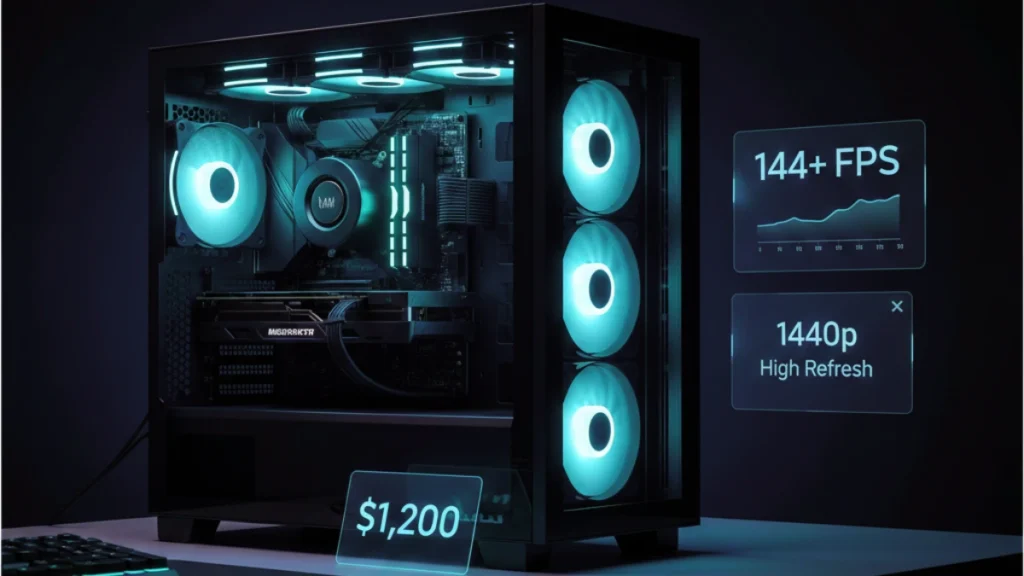


2026 Minecraft PC Builds R10k R50k Minecraft Pc Price Guide 2026 Builds R10k R50k Banner.webp. Best Gaming PC Build 2026 Top Picks For Every Budget PC Game Haven Best 800 Dollar Gaming Pc Build 2020 1 . 500 Budget Gaming PC Build 2026 1200 1440p High Refresh Gaming Pc Build. Best For Custom PC Builds In 2026 AMD Intel Buyer S Best For Custom Pc Builds 2026 . Quiet Budget Gaming PC Build For 1440p AAA Gaming Geeky Gadgets



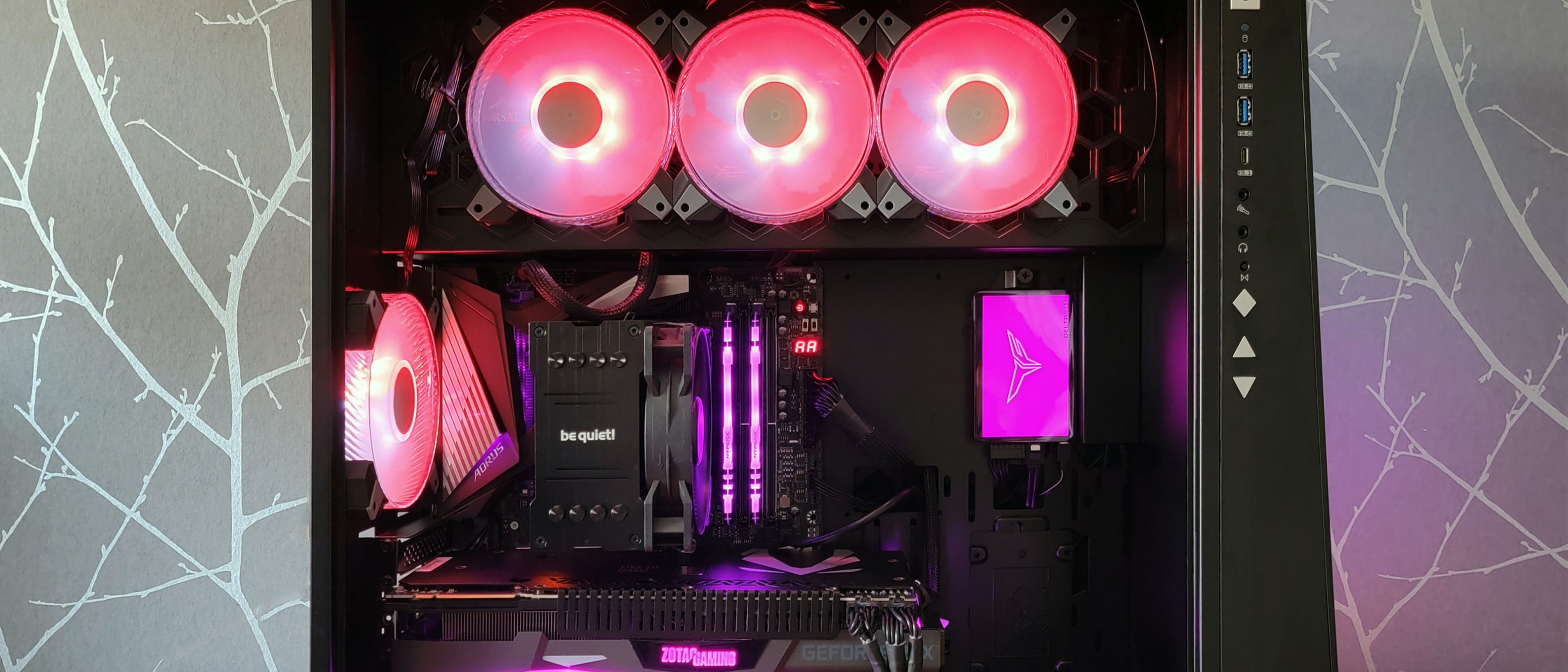
Best Budget Gaming PC Build 2026 Affordab Gaming PC Guru Best Itx Gaming Pc Build 2026 800x500 . Building An Enthusiast Grade PC Build For 2026 GeekaWhat FI DM87 HAVN BF RTX 5090 Build . Build PC 2026 Per GTA VI Potenza Massima E Bolletta Minima Generated Images 6. 50 Years After Its Inception Desktop PCs Are Less Popular Than Ever . Gaming PC Budget Guide 2026 Spend Smart Build Better Pc Builds For Every Budget.webp


Best PC Builds For Gaming 2026 Ultimate Guide To Building Your Dream Best PC Builds For Gaming 2026 . Budget Gaming PC Build 2026 How To Build Without Overpaying For RAM 20260402 1738 Image Generation Simple Compose . Best Budget Gaming PC Builds For 2026 Affordable Powerful WP Captcha Black And White Car Steering Wheel High Performance Gaming Pc Build Large Graphics Card Liquid Cpu Cooler Tempered Glass Case 1 . 15 Best Budget Gaming PC Builds Of 2026 That Won T Break The Bank Affordable 2025 Gaming Pc Q53g2 800x450 . 700 RTX 5060 Gaming PC Build 2026 Hit 60 FPS At 1080p High In Every Best Pc Build 700 2026.webp